
Atatus alerting lets you define threshold-based rules across every product in the platform — Browser, APM, Infrastructure, Kubernetes, Logs, Analytics, Database Monitoring, Network Device Monitoring, SIEM, and Custom Metrics. When a metric breaches the conditions you set, Atatus creates an incident and notifies you through the channels of your choice.
How alerting works
- Define rules within policies — Group one or more alert rules inside an alert policy. Each rule targets a specific product and metric.
- Scheduler evaluates rules — The alerting scheduler periodically queries ClickHouse data and compares the results against your configured thresholds.
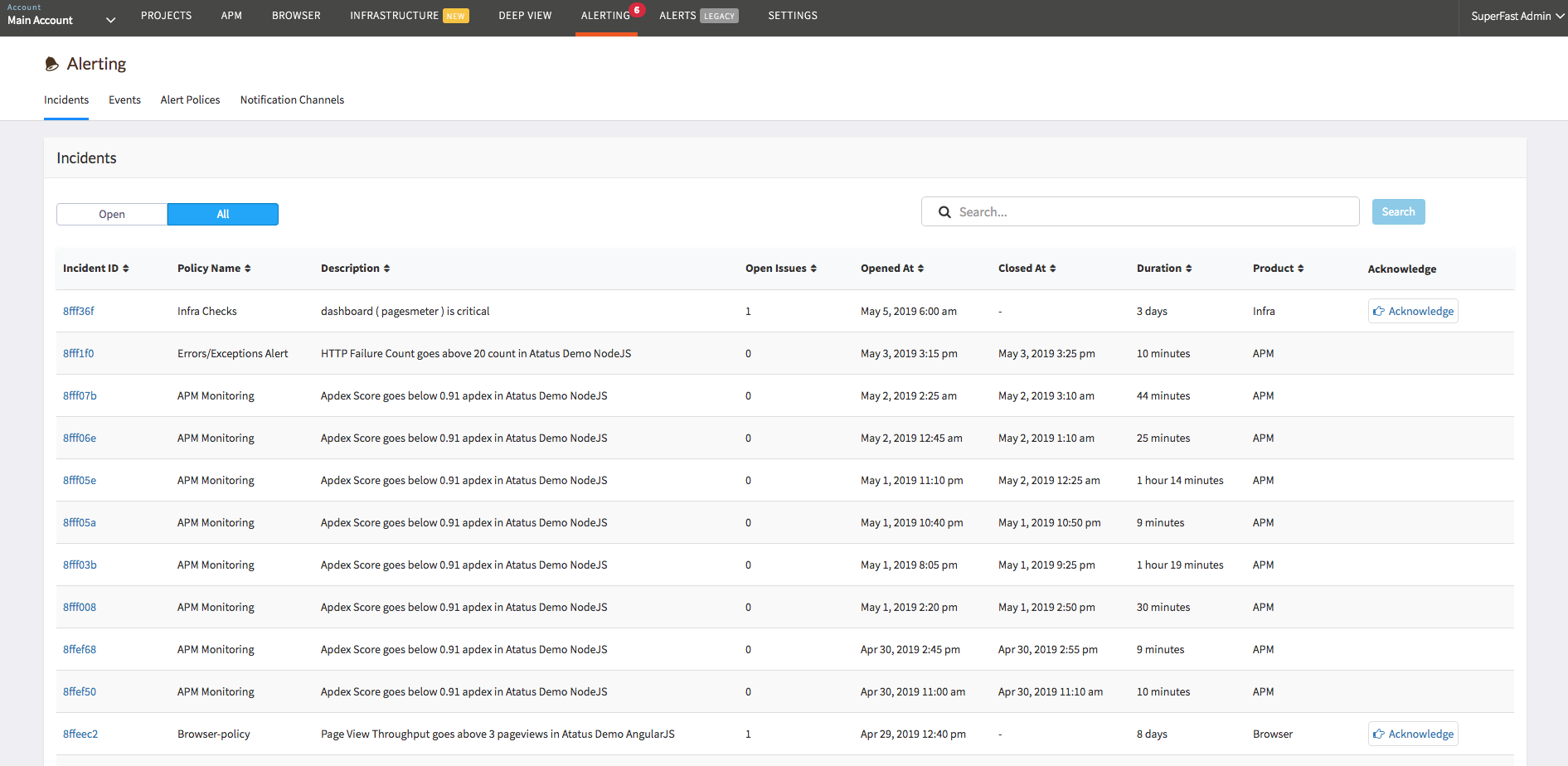
- Incidents are created — When a threshold is breached for the configured duration, an incident is opened and an event is recorded.
- Notifications are sent — Notifications are dispatched to every channel attached to the policy (email, Slack, PagerDuty, webhooks, and more).
Getting started
Alert types
- Browser Alerts — Page load times, Web Vitals, AJAX performance, transactions, JS errors
- APM Alerts — Response time, throughput, error rate, Apdex, database and external service performance
- Infrastructure Alerts — CPU, memory, disk, network, host not reporting, health checks
- Kubernetes Alerts — Pod, container, node, deployment, and workload resource metrics
- Logs Alerts — Log event count and volume with filter and group-by support
- Analytics Alerts — API request duration, throughput, and failure counts
- Baseline Alerts — Deviation from historical moving average for Browser and APM metrics
Incident management
Advanced
 +1-415-800-4104