

Steps to enable 2FA
Go to Settings » My Profile » Two Factor Authentication (2FA) tab in Atatus. You need to follow the below steps to enable two factor authentication.- Click Enable Two Factor Authentication Button.
-
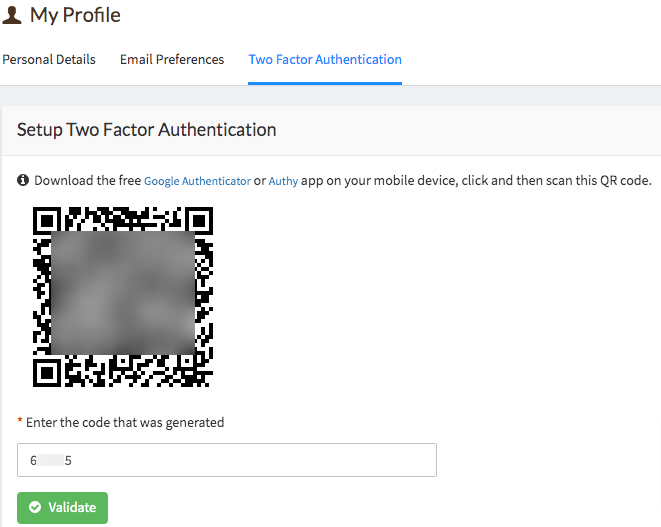
Download the free Google Authenticator or Authy app on your mobile device. Open the app and scan the QR code which is displayed on Atatus UI.
-
Get the 6 digit code from
Authy/Authenticatorapp. Enter the code into the Atatus UI. - Click on the Validate button then you are set with two factor authentication.